Run the sequence
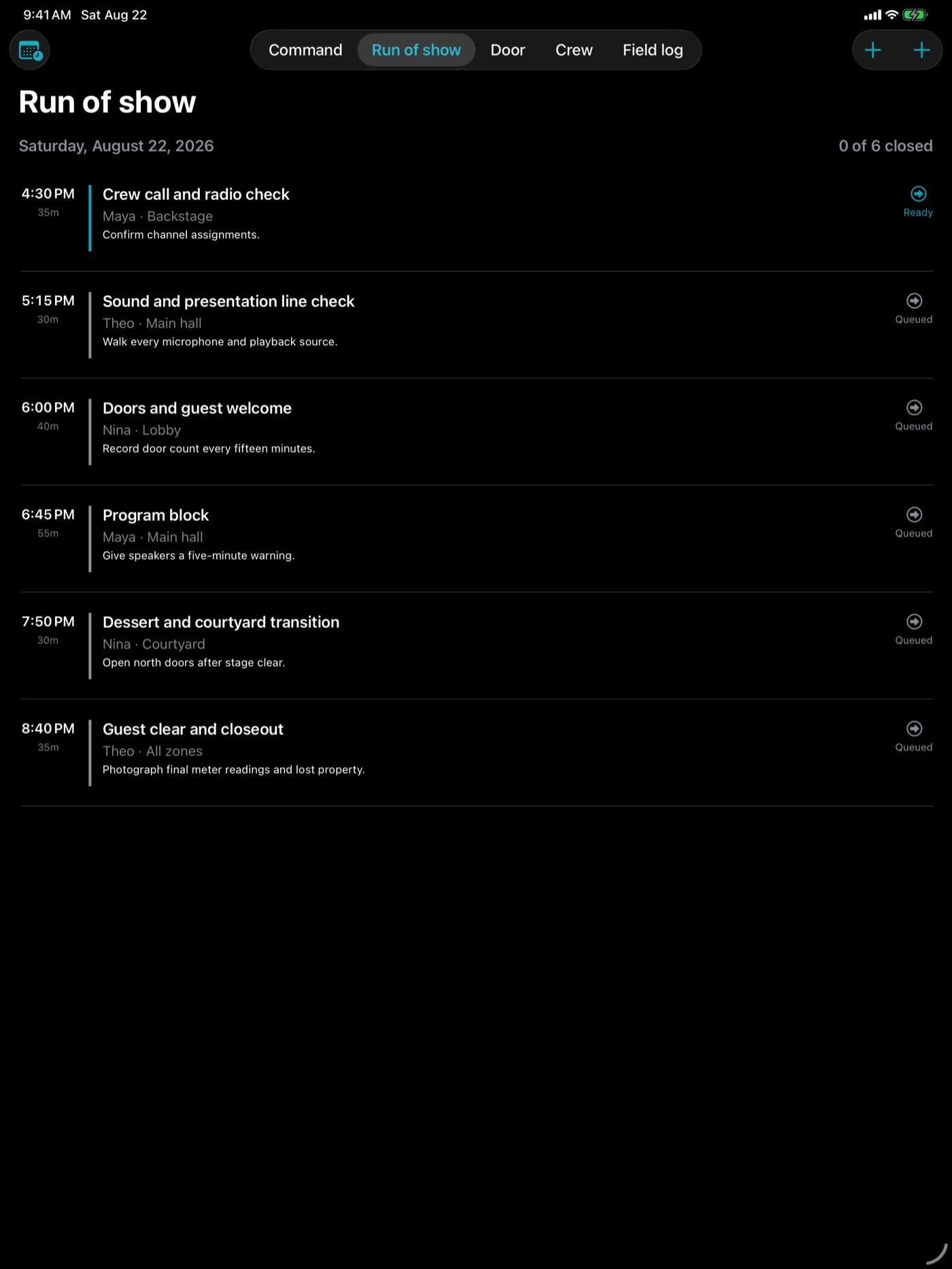
Assign owners and zones, keep notes beside each cue, and advance work through ready, active, and complete states.
Version 1.4 · iPhone and iPad
A live event command board for timed cues, arrivals, crew check-in, supplies, incidents, and a clean closeout record.
Built for the room
Events Tally brings the live plan and its operating record into one focused workspace. It does not hide work behind an account, subscription, or remote dashboard.
Assign owners and zones, keep notes beside each cue, and advance work through ready, active, and complete states.
Record arrivals as they happen, see the recent door history, and keep the count beside the rest of the event plan.
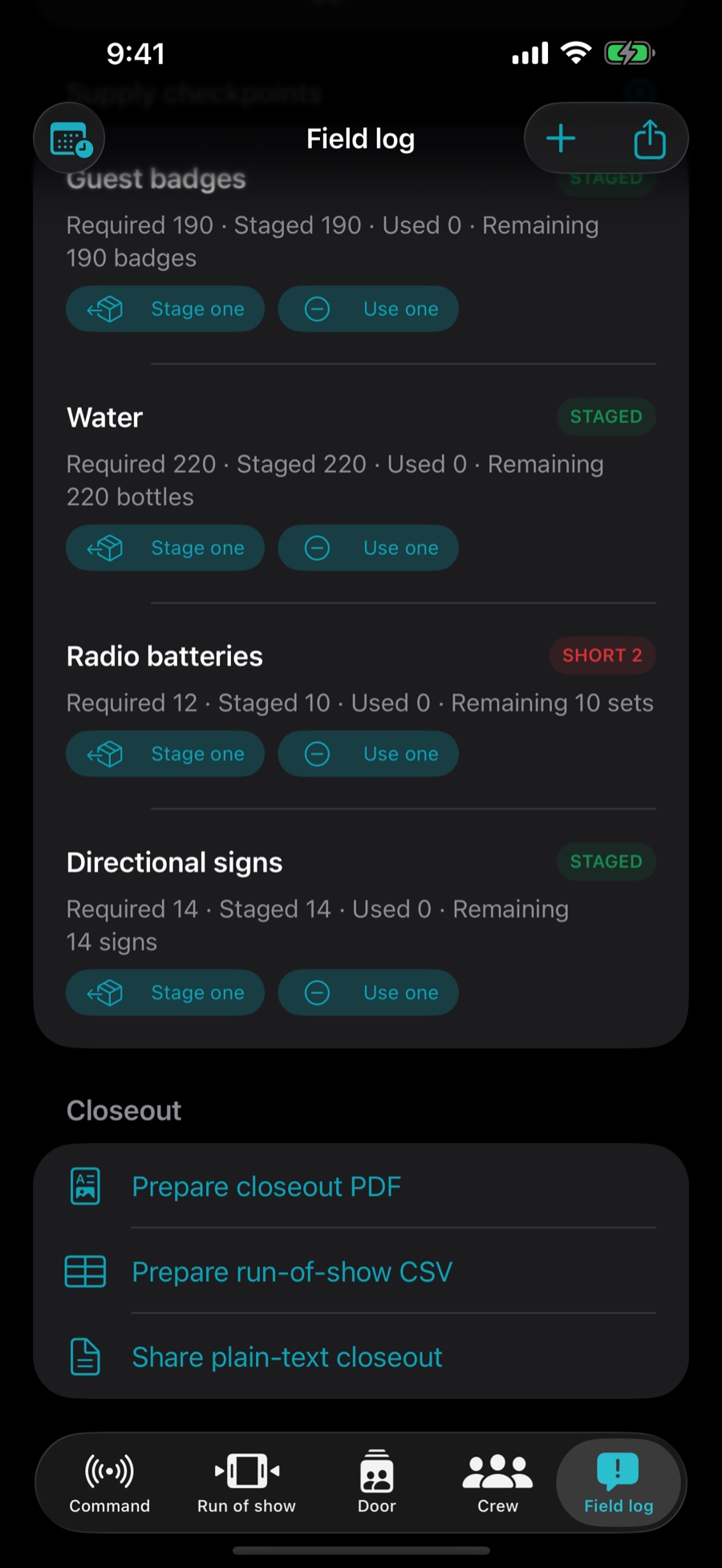
Retain supply checks and incident actions, then create a report through the standard iOS share sheet.
Command center
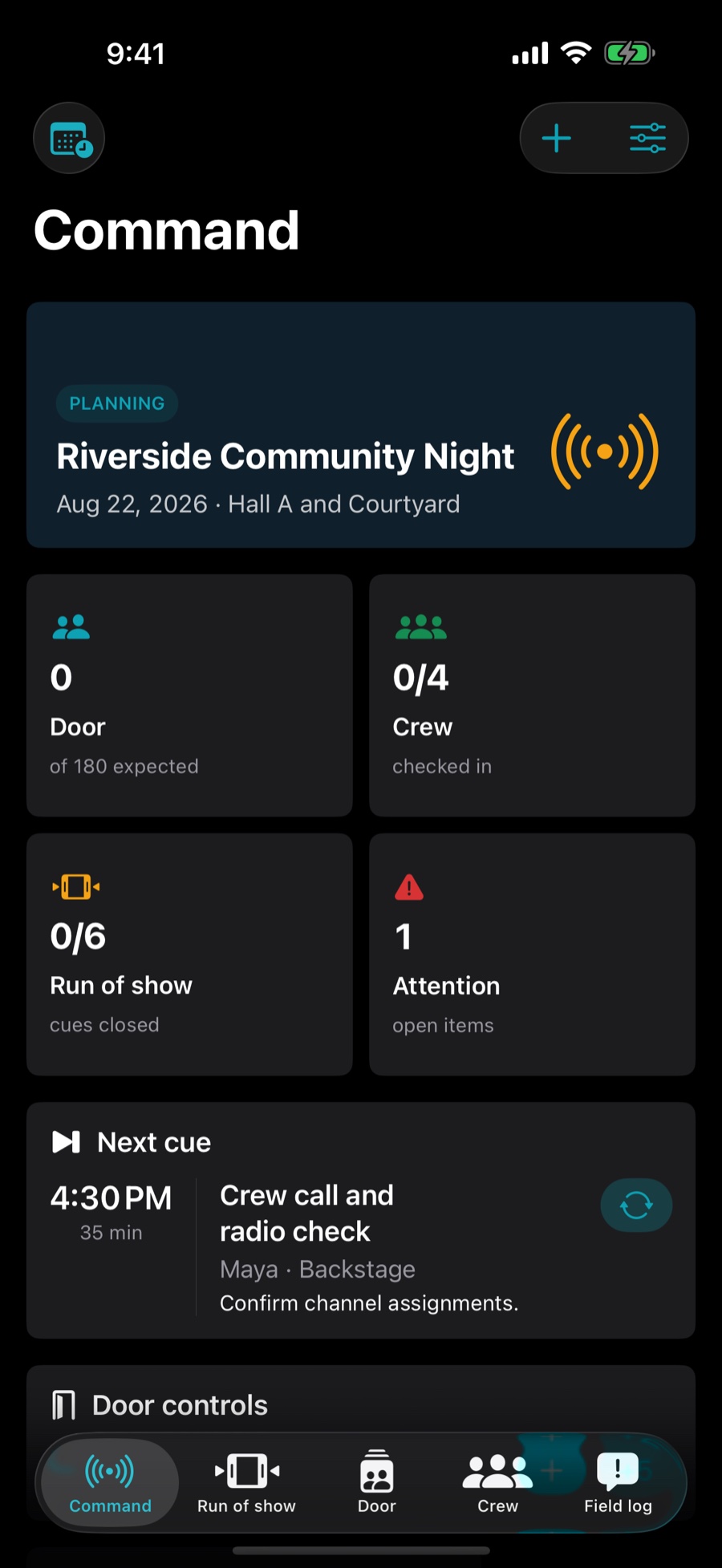
The selected event opens with its next cue, door count, crew status, supply checks, and recent incidents in one operational view.
Run of show
Build a timed sequence with zones and operating notes, then move each cue through its actual state without leaving the event record.
Field log
Update supply checkpoints, record incidents and resolution actions, and share a PDF, CSV, or text closeout when the event is finished.
Privacy by default
Events Tally has no advertising SDK, analytics SDK, account system, or remote event database. Records leave the app only when the user deliberately shares an export.